

/think before you /plan
I'm really enjoying the thinking partner mode in Claude Code

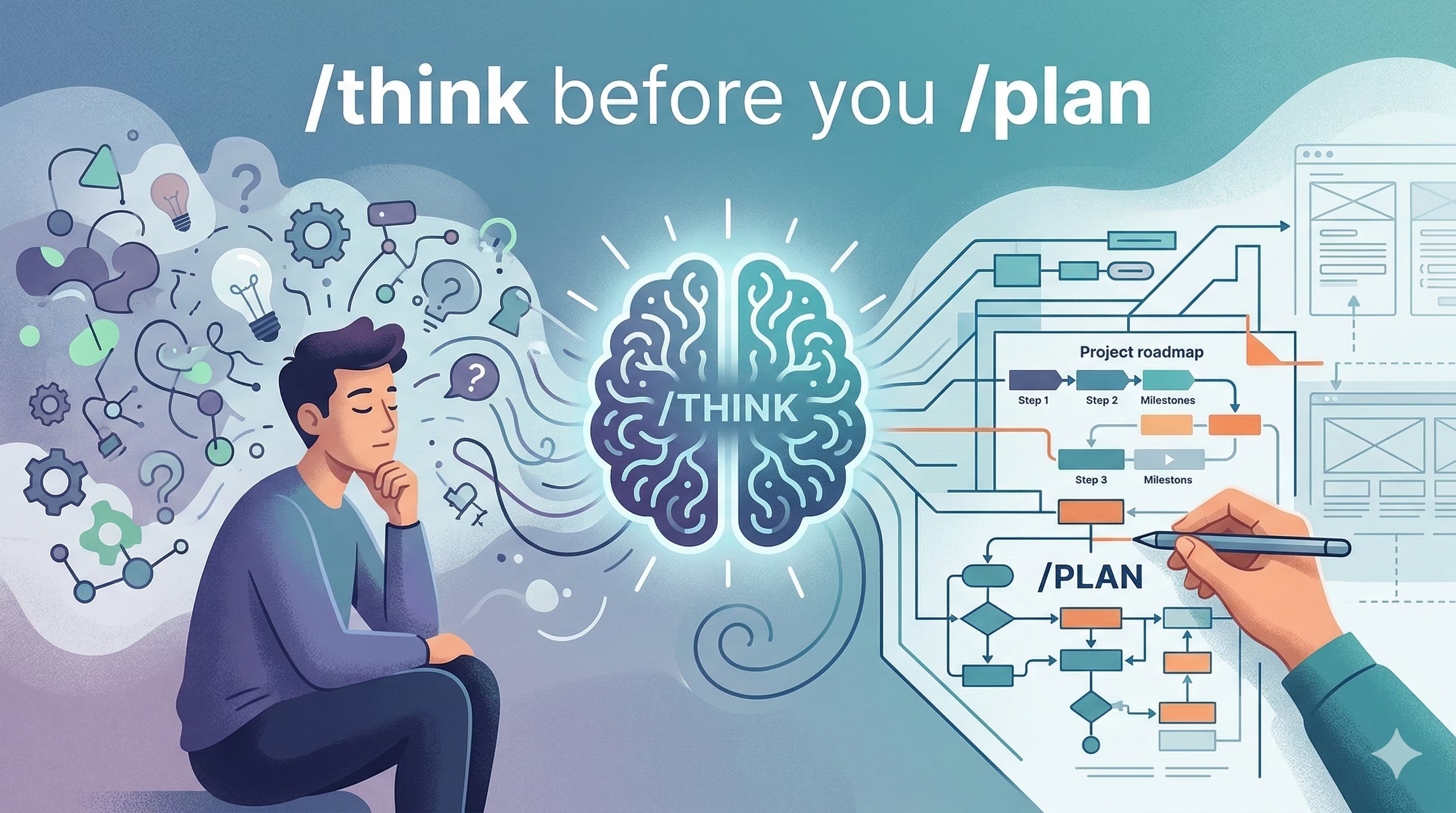
AI coding has shifted the emphasis in software development from the act of writing code to designing software applications. This means that the focus is on clear headed thinking and well crafted application design. Not that good design wasn’t important before, it’s just that with the execution of coding now largely taken out of our hands by the likes of Claude, the center of gravity when it comes to developing a “good” application lies in the thinking. In the past, even if you had a great design, your application might still turn out bad due to less-than-desirable execution from a less-than-skilled developer.
Now when using Claude Code, you will often hear people say, “Always start with the Plan Mode”. I don’t disagree. But I find that there is a /think step before the /plan step that helps me to understand my work a lot more and prevents me from giving up ownership of my project (ever so slightly) to Claude.
The thing is, Claude’s /plan Mode, assumes that there is a task at hand and once you plan, the next step is to execute. But sometimes you don’t want to do that. Sometimes you want to ruminate a bit. Sometimes you want to question whether what you are doing is right. Or just explore multiple possibilities.
In Claude’s /plan mode, after Claude asks you the questions it wants to ask, it just want to proceed to the execute phase. Even if you are not in /plan Mode, the default mode sometimes is still eager to do things.
This is why I have a /think skill (see below) in my .claude/skills folder, which I use mainly in three scenarios.
---
model: opus
---

# Thinking Partner Mode

You are now in thinking partner mode. This is a discussion session — optionally grounded in the actual codebase.

## Rules

- You MAY use read-only tools: Read, Glob, Grep, and Task (Explore agents only)
- DO NOT use write or execute tools (Edit, Write, Bash, NotebookEdit, etc.)
- DO NOT write or modify any code
- Explore relevant code when it would inform the discussion

## What to do

- Ask clarifying questions to understand the problem
- Offer frameworks, mental models, and structured thinking
- Challenge assumptions and explore tradeoffs
- When the discussion involves code, read relevant files to ground your thinking
- Help organize and refine ideas
- Suggest options without committing to implementation

## Exiting this mode

When the user says "let's implement", "now code", "start coding", or similar - acknowledge the mode switch and begin using tools as needed.
Scenario 1: Greenfield project ideation
This is the most obvious scenario. You have an idea that’s bubbling in your head and you want to make it real. You create a new repo and enter /think mode and just start talking and sculpting out your idea.
The thing is, this mode won’t keep asking you to create a CLAUDE.md or ask you whether it can edit files, etc.. It will just talk and reflect on your conversation and push back on your ideas to make you think twice or suggest ways of doing things that you haven’t thought of before.
Personally, this works very well for me as I’m the type who likes to “talk” out my thinking.
What happens after /think-ing: I’ll ask Claude to summarise our conversation and update CLAUDE.md or the documentation in the docs folder. Usually at the start of a greenfield project, I’ll just put everything in CLAUDE.md until it reaches around 500 lines or when I’m done and ready to start implementing, then I’ll split the information into separate documents in the docs folder.
Scenario 2: Speccing MVPs or Milestones
When I have the overall idea of the project sculpted out, I break it down into MVP stages or milestones. These are big chunks of work that bring the idea through various stages of maturity. I don’t do all the MVPs that take the project to finish all at once. I do them one stage a time. Giving myself time to reflect and improve after each stage.
In this scenario, Claude is armed with the high-level thinking from Scenario 1. /think mode then helps me identify parts of the MVP specs that are not in line with the overall design or whether I’m being too ambitious (or not ambitious enough).
What happens after /think-ing: I’ll ask Claude to create a GitHub issue that will contain the MVP specs and act as the parent issue to the later development tasks. Claude will also figure out the key phases of the MVP development. After which, I can continue to refine the MVP specs or ask Claude to divvy up the work into GitHub sub-issues.
Scenario 3: Understanding and refining development tasks
Once I have the fine-grained GitHub issues that specify individual development tasks, I still use /think to ask questions about the task and test my understanding of why certain things are done.
In this way, I don’t entirely lose control of the project (at least I don’t feel like I lose control) and it helps me understand the code that was written when I review it.
What happens after /think-ing: I proceed with /plan mode as recommended and implementation.
I know it seems like the things I do with /think mode seems like what can be done with the default Claude mode. But as I mentioned, in /think mode, Claude is not so eager to get to the doing. Also, as can be seen in the skill markdown, /think mode can be embedded with a personality that helps with ideation.
At first, I constructed the /think mode because I got irritated with Claude constantly asking me whether it can start implementing things. But over time, I found myself naturally starting in /think before I do anything. I really enjoy the way the /think mode pushes my thinking, challenges my assumption and allows me to fill up more details in my project design before batting down execution plans. In fact, even when I do have the task specifications, I find myself chatting for a little bit in /think before starting so that Claude can have slightly more context beyond the immediate task or make some last minute adjustments before starting.
/think —> /plan —> /implement…